



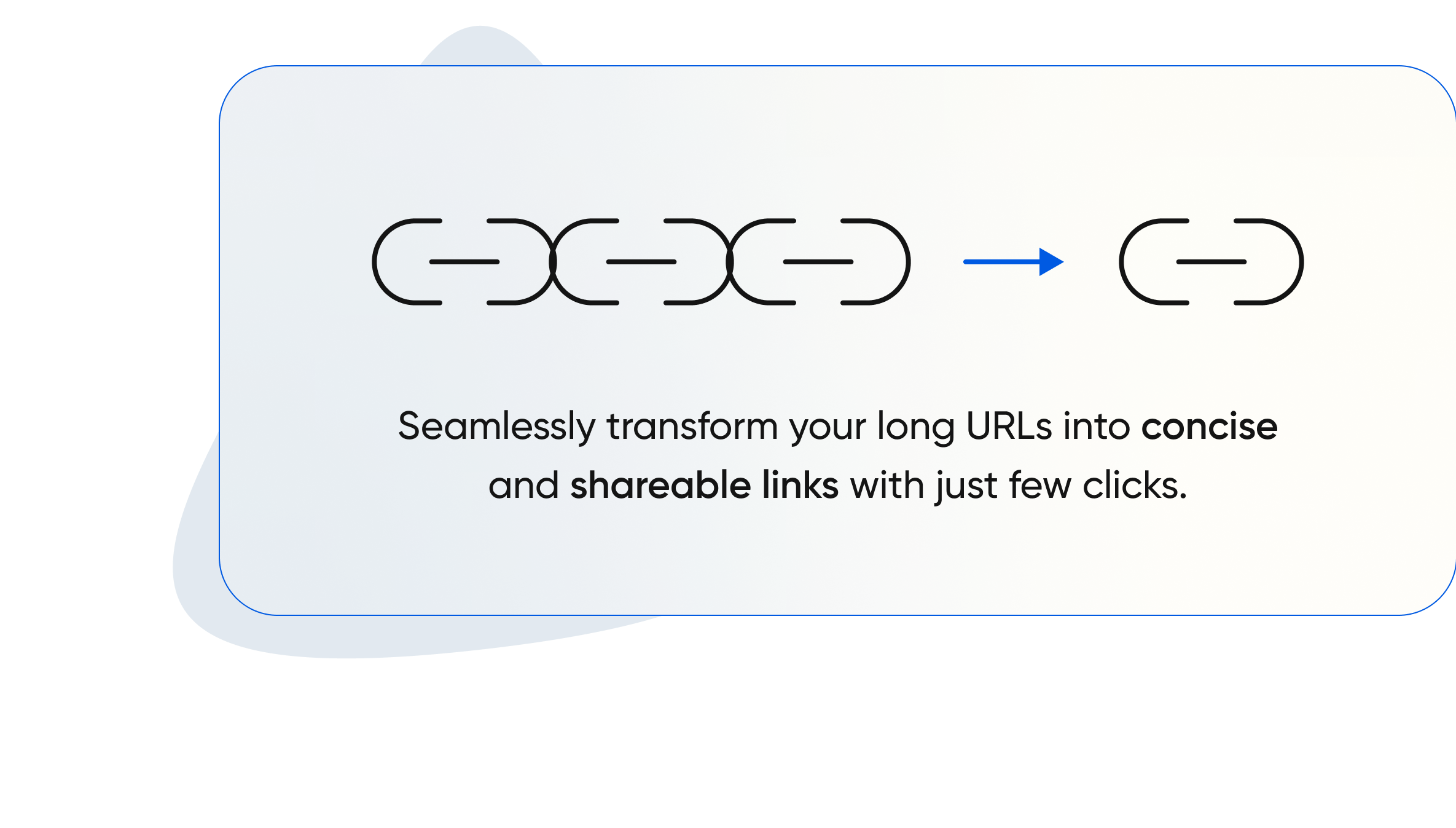
URL shortening works by taking a long URL and creating a shorter, condensed version that redirects to the original URL. When a user clicks on the shortened link, they are redirected to the intended destination.

Personalize your shortened URLs to align with your brand identity. Utilize custom slugs, branded links, and domain customization options to reinforce your brand presence and enhance user engagement.
Active users
Links & QR codes created
Clicked & Scanned connections
App Integrations
Scissors is the hub of everything that has to do with your link management. We shorten your URLs, allow you creating custom ones for your personal, business, event usage. Our swift QR code creation, management and usage tracking with advance analytics for all of these is second to none.
Scissor allows you to shorten URLs of your business, events. Shorten your URL at scale, URL redirects.
With Scissor, you can create custom URLs, with the length you want! A solution for socials and businesses.
Generate QR codes to your business, events. Bring your audience and customers to your doorstep with this scan and go solution.
Receive data on the usage of either your shortened URL, custom URLs or generated QR codes. Embedded to monitor progress..
From catering for your personal, business, event, socials needs, you can be rest assured we have you in mind in our pricing.
Basic
Free plan for all users
Unlimited URL shortening
Customizable Short Links
Basic Link Analytics
Standard Support
Ad-Supported
Professional
Ideal for business creators
Enhanced Links Analytics
Cusom Branded domains
Advanced Link customization
Priority Support
Ad-Free Experience
Teams
Share with up to 10 friends
Team collaboration
User Roles and Permissions
Enhanced Security
API Access
Dedicated Account Manager
URL shortening works by taking a long URL and creating a shorter, condensed version that redirects to the original URL. When a user clicks on the shortened link, they are redirected to the intended destination.
When you purchase training (including enrolling in our instructor-led courses), we will invoice your institution based on the billing contact information that we have on record for your institution. To purchase training, click the Add to Cart button for a course, then follow the prompts. We do not accept credit cards at this time.
No. Each class participant must enroll themselves and acknowledge the terms and conditions.
Enrolled users can expect to receive a class information email, approximately five (5) calendar days prior to the first day of class, with a follow-up email two (2) days out. This email provides instructions on how to access the course materials and Zoom session. All students will have access to the Zoom session 30 minutes before class start time each day. If you do not see the email in your inbox, check your spam/junk folders. You can also log back into your account as you did to register. Find your class under My Training on the Home Page. Click on the class to access the course materials and survey (Content tab) and access the Zoom link, 30 minutes before class starts.
Unless noted otherwise, all instructor-led training classes are held in Eastern Time (New York). Please check the time zone listed after the session time to verify the time listed in your time zone.
It depends upon the type of training that was purchased. Below is a general overview. Please carefully review our terms and conditions as you complete the checkout process.
For enrollments in instructor-led courses, you must contact us via email at our email address no less than twenty-two (22) days prior to the scheduled session. If your request is received outside of the cancellation policy window, your organization will still owe full course fee unless you identify an attendee substitution who has fulfilled all the prerequisites for the course.
For purchases of all other items, including eLearning courses, learning plans, and On-Demand Training subscriptions, all sales are final.
Yes, please contact us to set up a dedicate course for your insitution. Dedicated courses are offered for groups of 6 or more.
You must sign in using your employee user account to purchase or enroll in a course, as this will ensure that the customer is not invoiced for the purchase. This is especially important for employees who work onsite for a Company Name customer.
